Sharp MX-4140N Installationshandbuch
Stöbern Sie online oder laden Sie Installationshandbuch nach Multifunktionsgeräte Sharp MX-4140N herunter. Sharp MX-4140N Installation manual Benutzerhandbuch
- Seite / 19
- Inhaltsverzeichnis
- LESEZEICHEN

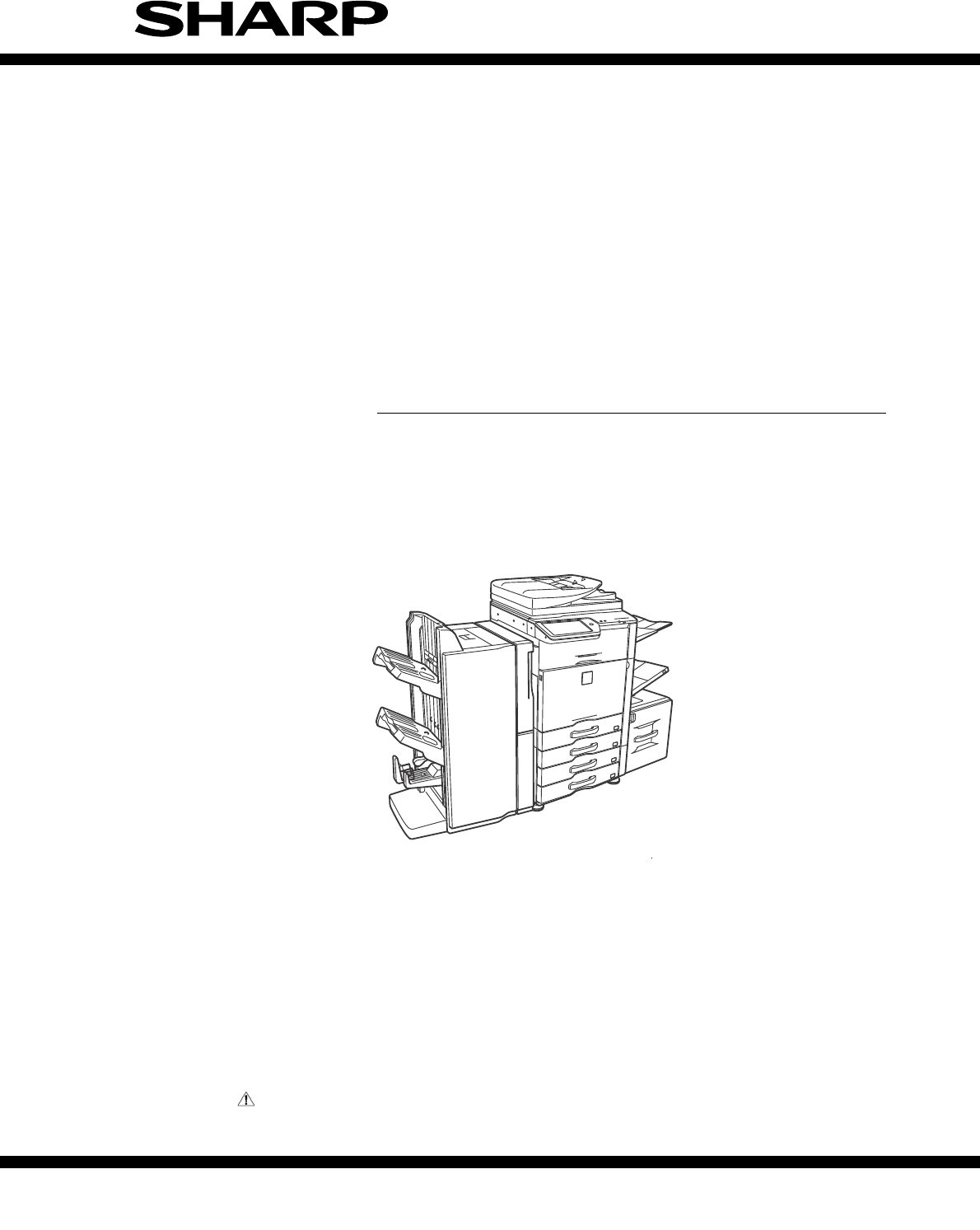
- INSTALLATION MANUAL 1
- MX-4140N/5140N 1
- MX-4141N/5141N 1
- 6HUYLFH0DQXDO 2
- (2) Contaminates 3
- (3) Direct sunlight 3
- (4) Gases and chemicals 3
- (5) Vibration 3
- 2. Transit and delivery 4
- 1. Unpacking 5
- 2. Installation 6
- G. Tray setup 10
- H. Specifications setup 10
- I. Image quality check 10
- 3. Image quality check 11
- SHARP GRAY CHART 13
- PRINTER CALIBRATION 16
- (Automatic adjustment) 17
Inhaltsverzeichnis
INSTALLATION MANUALParts marked with " " are important for maintaining the safety of the set. Be sure to replace these parts withspecified o
MX-5141FN MX-4140N/4141N/5140N/5141N (MAIN UNIT) 2 – 6F. Installation of the operation manual pocket1) Install the Operation Manual storage (Packed
MX-5141FN MX-4140N/4141N/5140N/5141N (MAIN UNIT) 2 – 73. Image quality checkA. Execution itemsExecute the following items.B. Description(1) Print e
MX-5141FN MX-4140N/4141N/5140N/5141N (MAIN UNIT) 2 – 84) Write down the displayed skew level. (Meaning of the skew level value and the adjus
MX-5141FN MX-4140N/4141N/5140N/5141N (MAIN UNIT) 2 – 9(2) Copy color balance and density checkMEMO: Before checking the copy color balance an
MX-5141FN MX-4140N/4141N/5140N/5141N (MAIN UNIT) 2 – 10a. Color copy check items (Check to confirm the following:)1) There are 12 void areas.2) Regi
MX-5141FN MX-4140N/4141N/5140N/5141N (MAIN UNIT) 2 – 11b. Monochrome copy check items (Check to confirm the following:)1) There are 12 void areas.2)
MX-5141FN MX-4140N/4141N/5140N/5141N (MAIN UNIT) 2 – 12Method 2Use SIM46-21 to print the color balance adjustment sheet, andcheck each proc
MX-5141FN MX-4140N/4141N/5140N/5141N (MAIN UNIT) 2 – 13(4) Copy/Printer color balance and density adjustment (Automatic adjustment)1) Enter the SIM4
MX-5141FN MX-4140N/4141N/5140N/5141N (MAIN UNIT) 2 – 146) Set the color patch image (adjustment pattern) printed in theprocedure 5) on the doc
MX-5141FN MX-4140N/4141N/5140N/5141N (MAIN UNIT) 2 – 1510) When "COMPLETED THIS PROCEDURE" is displayed, theadjustment operation is
MX-5141N Transit, Installation (using) environment, Note – iMX-5141N6HUYLFH0DQXDOTransit, Installation (using) environment, Note1. Installing (use)
MX-5141N Transit, Installation (using) environment, Note - iiOperational environmentTemperature: 10 to 35CHumidity: 20 to 85% RHAtmospheric pressure
MX-5141N Transit, Installation (using) environment, Note – iii? When repairing or replacing an electronic part, perform theprocedure on an an
MX-5141FN MX-4140N/4141N/5140N/5141N (MAIN UNIT) 2 – 1MX-5141FN6HUYLFH0DQXDO[2] MX-4140N/4141N/5140N/5141N (MAIN UNIT)1. UnpackingA. Unpacking pr
MX-5141FN MX-4140N/4141N/5140N/5141N (MAIN UNIT) 2 – 22. InstallationNote before installation* When connecting the main unit with the optional STAN
MX-5141FN MX-4140N/4141N/5140N/5141N (MAIN UNIT) 2 – 35) Remove the screws.6) Hold the sections A, and remove the DV cover in the arrowdi
MX-5141FN MX-4140N/4141N/5140N/5141N (MAIN UNIT) 2 – 411) Install each developer unit.* When installing the developer unit, be sure to check that th
MX-5141FN MX-4140N/4141N/5140N/5141N (MAIN UNIT) 2 – 52) Open the front cabinet, and pull the toner cartridge out slowlyand horizontally.* Be sure
Weitere Dokumente für Multifunktionsgeräte Sharp MX-4140N


Verwandte Produkte und Handbücher für Multifunktionsgeräte Sharp MX-4140N
 (178 Seiten)
(116 Seiten)
(116 Seiten)
(178 Seiten)
(116 Seiten)
(116 Seiten)
 (20 Seiten)
  (162 Seiten)
(167 Seiten)
(112 Seiten)
(116 Seiten)
(162 Seiten)
(167 Seiten)
(112 Seiten)
(116 Seiten)
© 2020, manymanuals.de. Alle Rechte vorbehalten. | 0.032 s |
 Manymanuals.com
 Manymanuals.de
 Manymanuals.fr
 Manymanuals.it
 Manymanuals.pl
 Manymanuals.cz
 Manymanuals.es
 Manymanuals-pt.com
Kommentare zu diesen Handbüchern