Sharp MX-2610N Spezifikationen Seite 14
- Seite / 14
- Inhaltsverzeichnis
- LESEZEICHEN

- QUICK START GUIDE 1
- TRADEMARK ACKNOWLEDGMENTS 2
- INFORMATION ON DISPOSAL 3
- Settings mode password 4
- Noise emission values 5
- SOFTWARE LICENCE 5
- MATERIAL SAFETY DATA SHEET 5
- Contents 6
- SUPPLIES 6
- CAUTIONS 10
- SPECIFICATIONS 11
- MAINTENANCE 12
- OVERVIEW OF OTHER OPERATIONS 13
- HOME SCREEN 13
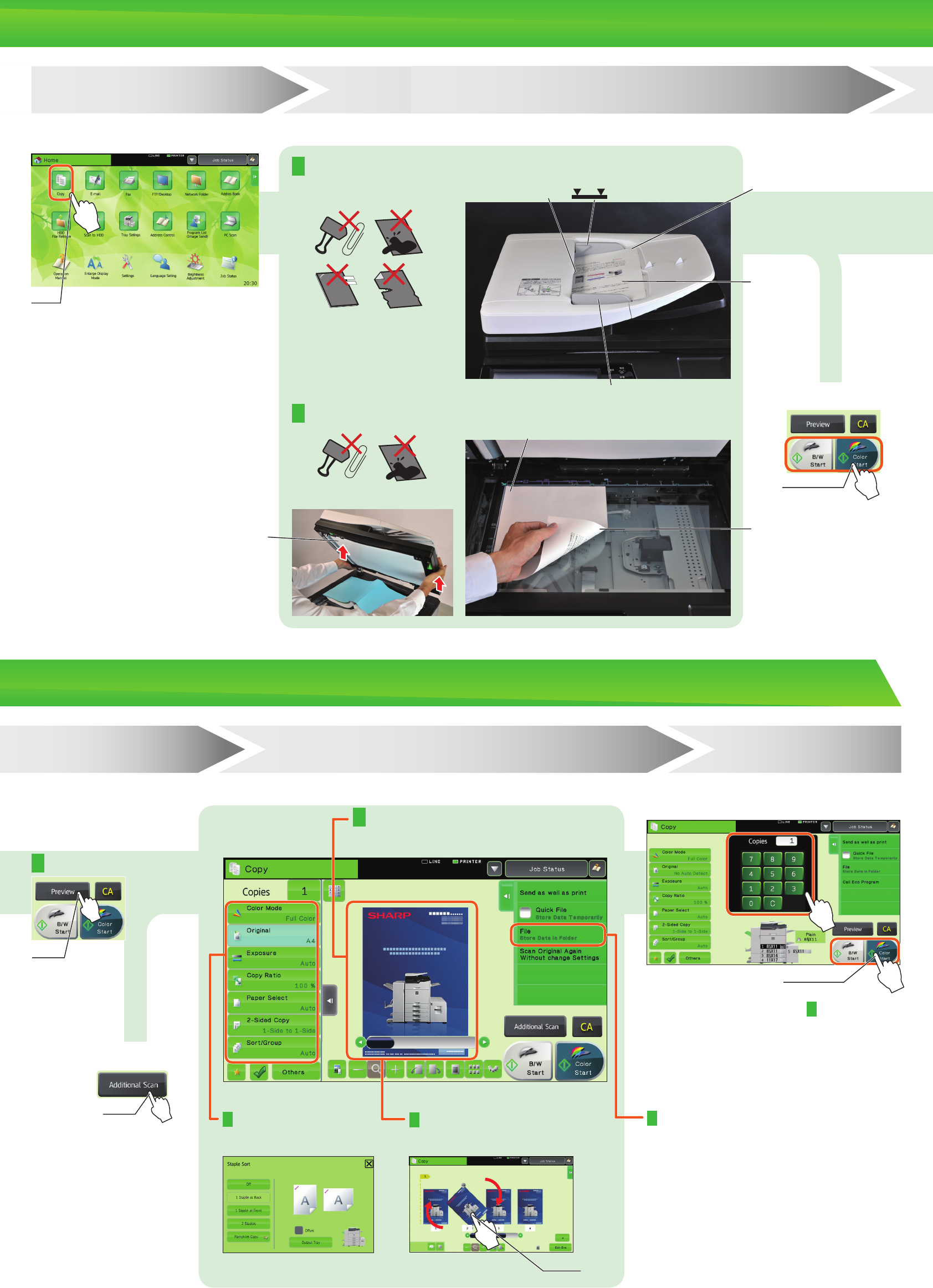
- OVERVIEW OF COPY OPERATION 14
Verwandte Produkte und Handbücher für Kopierer Sharp MX-2610N
 (92 Seiten)
(104 Seiten)
(12 Seiten)
(4 Seiten)
(40 Seiten)
(12 Seiten)
(12 Seiten)
(88 Seiten)
(117 Seiten)
(12 Seiten)
(56 Seiten)
(44 Seiten)
(92 Seiten)
(104 Seiten)
(12 Seiten)
(4 Seiten)
(40 Seiten)
(12 Seiten)
(12 Seiten)
(88 Seiten)
(117 Seiten)
(12 Seiten)
(56 Seiten)
(44 Seiten)

 (47 Seiten)
(160 Seiten)
(79 Seiten)
(36 Seiten)
(8 Seiten)
(16 Seiten)
(104 Seiten)
(6 Seiten)
(47 Seiten)
(160 Seiten)
(79 Seiten)
(36 Seiten)
(8 Seiten)
(16 Seiten)
(104 Seiten)
(6 Seiten)
© 2020, manymanuals.de. Alle Rechte vorbehalten. | 0.040 s |
 Manymanuals.com
 Manymanuals.de
 Manymanuals.fr
 Manymanuals.it
 Manymanuals.pl
 Manymanuals.cz
 Manymanuals.es
 Manymanuals-pt.com
Kommentare zu diesen Handbüchern