Sharp MX-C380 Einstellungsanleitung Seite 32: AUTHORITY GROUP LIST
 1
 2
 3
 4
 5
 6
 7
 8
 9
 10
 11
 12
 13
 14
 15
 16
 17
 18
 19
 20
 21
 22
 23
 24
 25
 26
 27
 28
 29
 30
 31
 32
 33
 34
 35
 36
 37
 38
 39
 40
 41
 42
 43
 44
 45
 46
 47
 48
 49
 50
 51
 52
 53
 54
 55
 56
 57
 58
 59
 60
 61
 62
 63
 64
 65
 66
 67
 68
 69
 70
 71
 72
 73
 74
 75
 76
 77
 78
 79
 80
 81
 82
 83
 84
 85
 86
 87
 88
 89
 90
 91
 92
 93
 94
 95
 96
 97
 98
 99
 100
 101
 102
 103
 104
 105
 106
 107
 108
 109
 110
 111
 112
 113
 114
 115
 116
 117
 118
 119
 120
 121
 122
 123
 124
 125
 126
 127
 128
 129
 130
 131
 132
 133
 134
 135
 136
 137
 138
 139
 140
 141
 142
 143
 144
 145
 146
 147
 148
 149
 150
 151
 152
 153
 154
 155
 156
 157
 158
 159
 160
 161
 162
 163
 164
 165
 166
 167
 168
 169
 170
 171
 172
 173
 174
 175
 176
 177
 178
 179
 180
 181
 182
 183
 184
 185
 186
 187
 188
 189
 190
 191
 192
 193
 194
 195
 196
 197
 198
 199
 200
 201
 202
 203
 204
 205
 206
 207
 208
 209
 210
 211
 212
 213
 214
 215
 216
 217
 218
 219
 220
 221
 222
 223
 224
 225
 226
 227
 228
 229
 230
 231
 232
 233
 234
 235
 236
 237
 238
 239
 240
 241
 242
 243
 244
 245
 246
 247
 248
 249
 250
 251
 252
 253
 254
 255
 256
1-29
BEFORE USING THE MACHINE
FAVOURITE OPERATION GROUP LIST
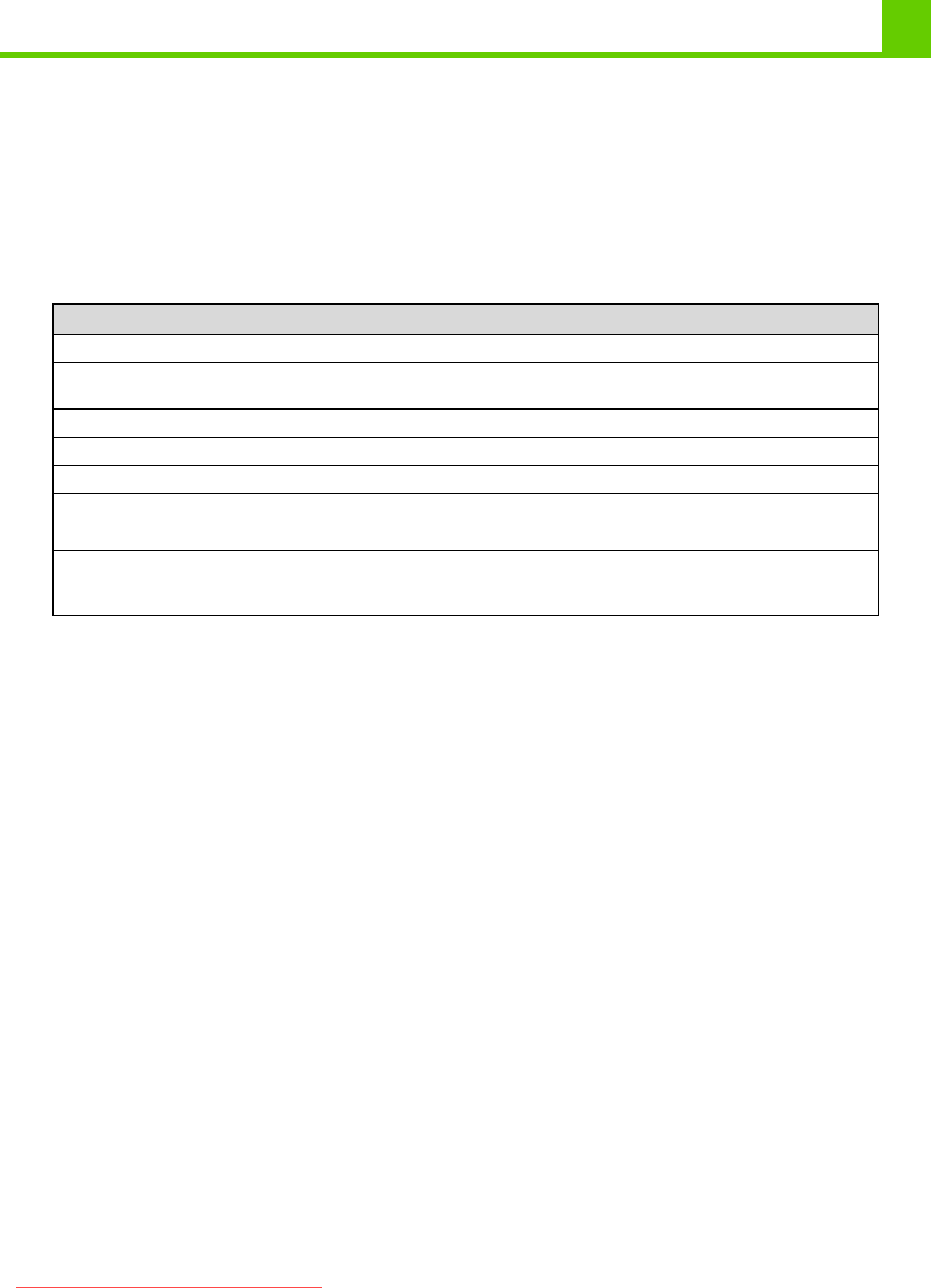
This is used to store favourite operation groups.
Favourite Operation Group Registration
Groups of preferred settings can be stored as "favourite operation groups". For example, a user who speaks a different
language would normally have to change the display language each time he or she uses the machine; however, by
storing the language in a favourite operation group, the language is automatically selected when the user logs in.
Settings
Item
Description
Group Name
Store the name of the group (max. 32 characters).
Select the Group Name to be
the Registration Model
Select one of the previously stored groups for use as a template for the new group. When
selected, the group's settings are applied.
System Settings
Display Language Setting
Select the display language.
Key Operation Setting
Set the key input time and Auto Key Repeat setting.
Keys Touch Sound
Set the sound made when keys are selected.
Keyboard Select
Set the language that appears on the keyboard.
Automatically print stored jobs
after login
When retention is enabled in the printer driver and print data has been spooled to the
machine, you can have the spooled print data automatically print out when the user who
enabled retention logs in.
Downloaded From ManualsPrinter.com Manuals
PDF-Datei · ·
Fragen zu Sharp MX-C380
Zu diesem Handbuch gibt es noch keine Fragen. Stellen Sie die erste.
Verwandte Produkte und Handbücher für Kopierer Sharp MX-C380
- Kopierer Sharp AR-150E Spezifikationen
 (40 Seiten)
- Kopierer Sharp AR-M316 Spezifikationen
(48 Seiten)
- Kopierer Sharp FO-781 Spezifikationen
(107 Seiten)
- Kopierer Sharp MX-4100N Spezifikationen
(120 Seiten)
- Kopierer Sharp AR-5316E Bedienungsanleitung
 (80 Seiten)
- Kopierer Sharp SF-7400 Bedienungsanleitung
(8 Seiten)
- Kopierer Sharp AL-2040 Spezifikationen
(92 Seiten)
- Kopierer Sharp Multi Access Bedienungsanleitung
(8 Seiten)
- Kopierer Sharp MX-850 Bedienungsanleitung
(12 Seiten)
- Kopierer Sharp AX-600X(R) Bedienungsanleitung
(12 Seiten)
- Kopierer Sharp AR-FX7 Bedienerhandbuch
(116 Seiten)
- Kopierer Sharp MX-4500N Bedienungsanleitung
(12 Seiten)
- Kopierer Sharp Multi Access Bedienungsanleitung
(8 Seiten)
- Kopierer Sharp AR-161 Bedienungsanleitung
(4 Seiten)
- Kopierer Sharp AR-C150 Bedienungsanleitung
(31 Seiten)
- Kopierer Sharp AR-M700U Bedienungsanleitung
(28 Seiten)
- Kopierer Sharp DX-C400 - Color - All-in-One Bedienungsanleitung
(8 Seiten)
- Kopierer Sharp MX-1100 Bedienungsanleitung
(12 Seiten)
- Kopierer Sharp SF-7400 Bedienungsanleitung
(10 Seiten)
- Kopierer Sharp MX-C380 Spezifikationen
(78 Seiten)