Sharp MX-M465N Bedienungsanleitung
Stöbern Sie online oder laden Sie Bedienungsanleitung nach Kopierer Sharp MX-M465N herunter. Sharp MX-M465N User`s manual Benutzerhandbuch
- Seite / 28
- Inhaltsverzeichnis
- LESEZEICHEN

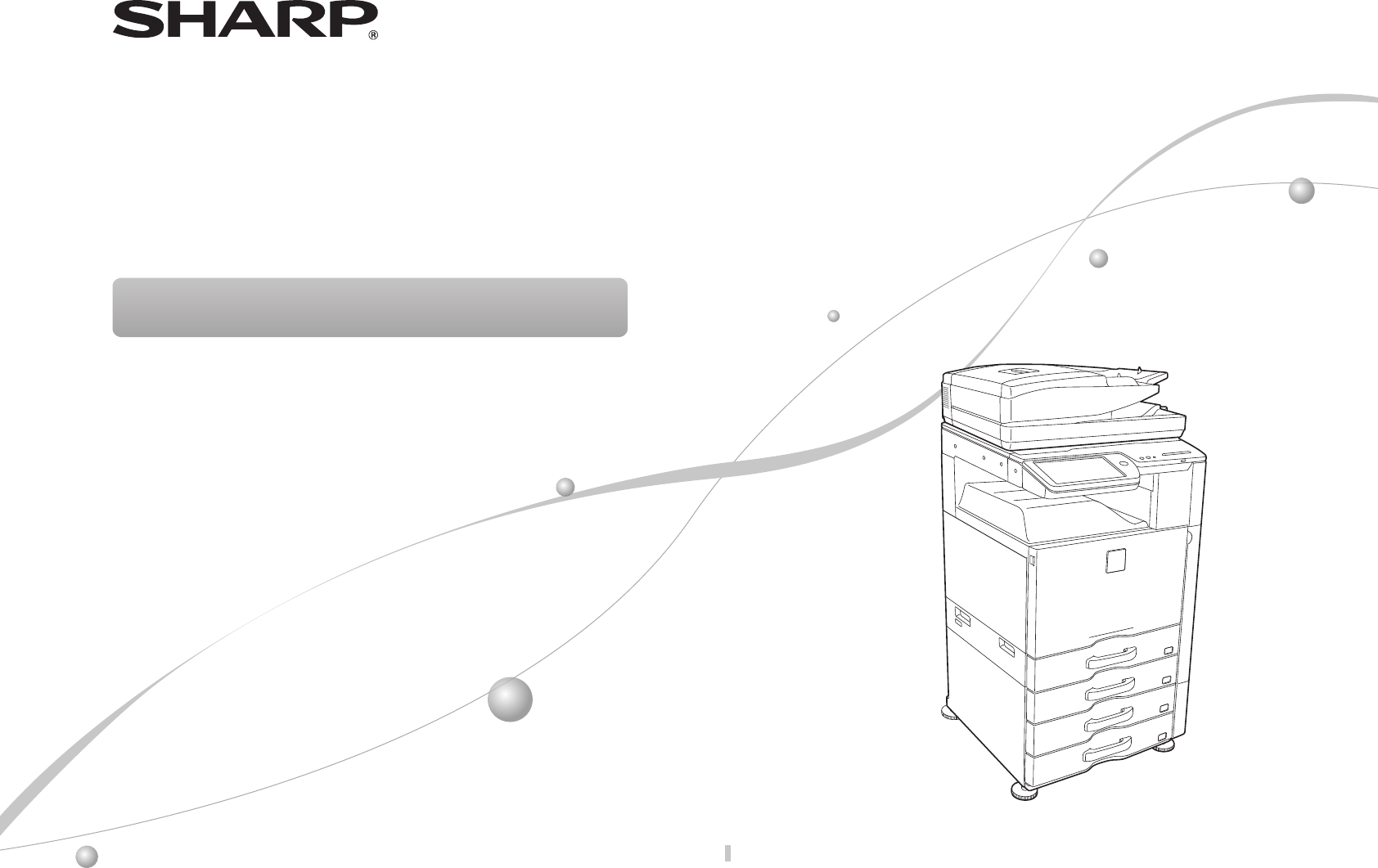
- MX-M365N/MX-M465N/MX-M565N 1
- Caution! 2
- Notice for Users in Europe 2
- Wireless LAN 3
- Notice for users in the UK 3
- SOFTWARE LICENCE 4
- MATERIAL SAFETY DATA SHEET 4
- Contents 5
- About the User's Manual 6
- USER'S MANUAL DOWNLOAD 7
- CAUTIONS 8
- CAUTION 10
- WARNING 10
- PART NAMES 12
- TURNING THE POWER ON AND OFF 13
- HOME SCREEN 14
- OVERVIEW OF COPY OPERATION 15
- OVERVIEW OF OTHER OPERATIONS 16
- MAINTENANCE 17
- SPECIFICATIONS 18
- Automatic document feeder 19
- (Standard equipment) 19
- Tray 2 / 3 / 4 / 5 19
- (Tray 2 / 3 / 4) 19
- Finisher 20
- Saddle stitch nisher 21
- Finisher (large stacker) 21
- Punch module (for nisher) 21
- Network Printer Specications 22
- Fax Specications 22
- Network Scanner Specications 23
- Wireless LAN Specications 23
- SUPPLIES 24
- Noise emission 25
- INFORMATION ON DISPOSAL 26
- Settings mode password 27
- PRINTED IN FRANCE 28
Inhaltsverzeichnis
DIGITAL MULTIFUNCTIONAL SYSTEMKeep this manual close at hand for reference whenever needed.MX-M365N/MX-M465N/MX-M565NQUICK START GUIDEQUICK START GUID
10Do not throw a toner cartridge into a fire.Tonermayyandcauseburns.About consumables CAUTIONStore a toner cartridge out of the reach of childre
11Do not look directly at the light source.Doingsomaydamageyoureyes.Do not block the ventilation ports on the machine. Do not install the machine
12Tray 1Tray 5 (when a large capacity tray is installed)*Tray 2 (when a stand/500/2x500/3x500/500&2000 sheet paper drawer is installed)*Tray 4 (wh
13Thismachinehasamainpowerswitch,foundatthebottomleftafterthefrontcoverisopened,andapowerbutton( ),locatedontheoperationpan
14Tap Touchandthenquicklyreleasethenger.Usedtoselectkeys,tabs,checkboxes,etc.Double tapTouchthescreentwice.Usethisoperationtoenla
15Step 1Select a functionStep 2Step 3Step 4Step 5Place the originalScanConrming while viewing the previewStartSelectthe[Copy]keyorCopyicon.O
16TransmissionStoringForfunctionsotherthancopy.OVERVIEW OF OTHER OPERATIONSStep 1Select a functionStep 5Step 2Place the originalStep 3Select the a
17• Donotdisposeofusedtonercartridges.Placetheminaplasticbagandkeepthem.Thetechnicianwillcollecttheusedtonercartridgeswhenpe
18Basic Specications / Copier specicationsName MX-M365N/MX-M465N/MX-M565NType DesktopColour MonochromeCopiersystem LaserelectrostaticcopierScanni
19Automatic document feeder(Standard equipment)Documentfeedertypes DuplexSinglePassFeeder(DSPF)Originalpapersizes A3(11"×17")to
2For the users of the fax function Important safety instructions• Ifanyofyourtelephoneequipmentisnotoperatingproperly,youshouldimmediat
20FinisherName Finisher(MX-FN17)Papersizes DependsonfeederspecicationsUseablepaper Paperweight 55g/m2(13lbs.)to300g/m2(110lbs.Cover
21Name SaddleStitchFinisher(MX-FN10)Papersizes DependsonfeederspecicationsUseablepaper Paperweight 55g/m2(13lbs.)to300g/m2(110lbs.
22Type Built-intypeContinuousprintspeed SameascontinuouscopyspeedResolutionDataprocessing:600×600dpi,1,200×1,200dpiPrint:600×600dp
23Network Scanner SpecicationsType ColourscannerScanresolution(main×vertical)100×100dpi,150×150dpi,200×200dpi,300×300dpi,400×4
24SUPPLIESStandardsuppliesforthisproductthatcanbereplacedbytheuserincludepaper,tonercartridges,andstaplecartridgesforthenisher.B
25OTHERSNoise emission valuesSoundpowerlevelLWAdMX-M365N MX-M465N MX-M565NOperating(continuousprinting)7.5B 7.5B 7.7BStandby(lowpowerlevelmo
26INFORMATION ON DISPOSALInformation on Disposal for Users (private households) In the European UnionAttention:Ifyouwanttodisposeofthisequip
27Forwarding all transmitted and received data to the administrator (document administration function)Thisfunctionisusedtoforwardalldatatransm
MX-M365N/MX-M465N/MX-M565N QUICK START GUIDEPRINTED IN FRANCETINSE5245GHZZ
3EMC (this machine and peripheral devices) Warning:ThisisaClassAproduct.Inadomesticenvironmentthisproductmaycauseradiointerferencein
4SOFTWARE LICENCETheSOFTWARELICENCEwillappearwhenyouinstallthesoftwarefromtheCD-ROM.ByusingalloranyportionofthesoftwareontheCD
Contents5OPERATION MANUALS AND HOW TO USE THEM ————————— 6USER'S MANUAL DOWNLOAD —————————————————— 7CAUTIONS ——————————————————————————— 8Sy
6OPERATION MANUALS AND HOW TO USE THEMQuick Start Guide (this document)Featuresimportantsafetynotes,namesofpartsandcomponents,informationabo
7USER'S MANUAL DOWNLOADChecking the IP addressTochecktheIPaddress,youcanprinttheAllCustomSettingListfromthemachine.Youcandownloa
8When moving the machine, switch off the main power and remove the power plug from the outlet before moving.Thecordmaybedamaged,creatingarisko
9Do not install the machine on an unstable or slanted surface. Install the machine on a surface that can withstand the weight of the machine.Riskofi
Verwandte Produkte und Handbücher für Kopierer Sharp MX-M465N
 (132 Seiten)
(178 Seiten)
(113 Seiten)
(108 Seiten)
(132 Seiten)
(178 Seiten)
(113 Seiten)
(108 Seiten)
 (66 Seiten)
(84 Seiten)
(12 Seiten)
(12 Seiten)
(12 Seiten)
(272 Seiten)
(19 Seiten)
(132 Seiten)
(45 Seiten)
(12 Seiten)
(48 Seiten)
(66 Seiten)
(84 Seiten)
(12 Seiten)
(12 Seiten)
(12 Seiten)
(272 Seiten)
(19 Seiten)
(132 Seiten)
(45 Seiten)
(12 Seiten)
(48 Seiten)
 (80 Seiten)
(8 Seiten)
(92 Seiten)
(188 Seiten)
(80 Seiten)
(8 Seiten)
(92 Seiten)
(188 Seiten)
© 2020, manymanuals.de. Alle Rechte vorbehalten. | 0.031 s |
 Manymanuals.com
 Manymanuals.de
 Manymanuals.fr
 Manymanuals.it
 Manymanuals.pl
 Manymanuals.cz
 Manymanuals.es
 Manymanuals-pt.com
Kommentare zu diesen Handbüchern