Sharp MX-3610N Bedienungsanleitung Seite 5

  • Herunterladen
  • Zu meinen Handbüchern hinzufügen
  • Drucken
  • Seite
    / 12
  • Inhaltsverzeichnis
  • LESEZEICHEN
  • Bewertet. / 5. Basierend auf Kundenbewertungen
Seitenansicht 4
print l copy I scan I fax I fi le
A revolution in offi ce productivity
The heart of a digital offi ce
The fi rst thing you’ll notice about your
new MX-3610N is how easy it is to
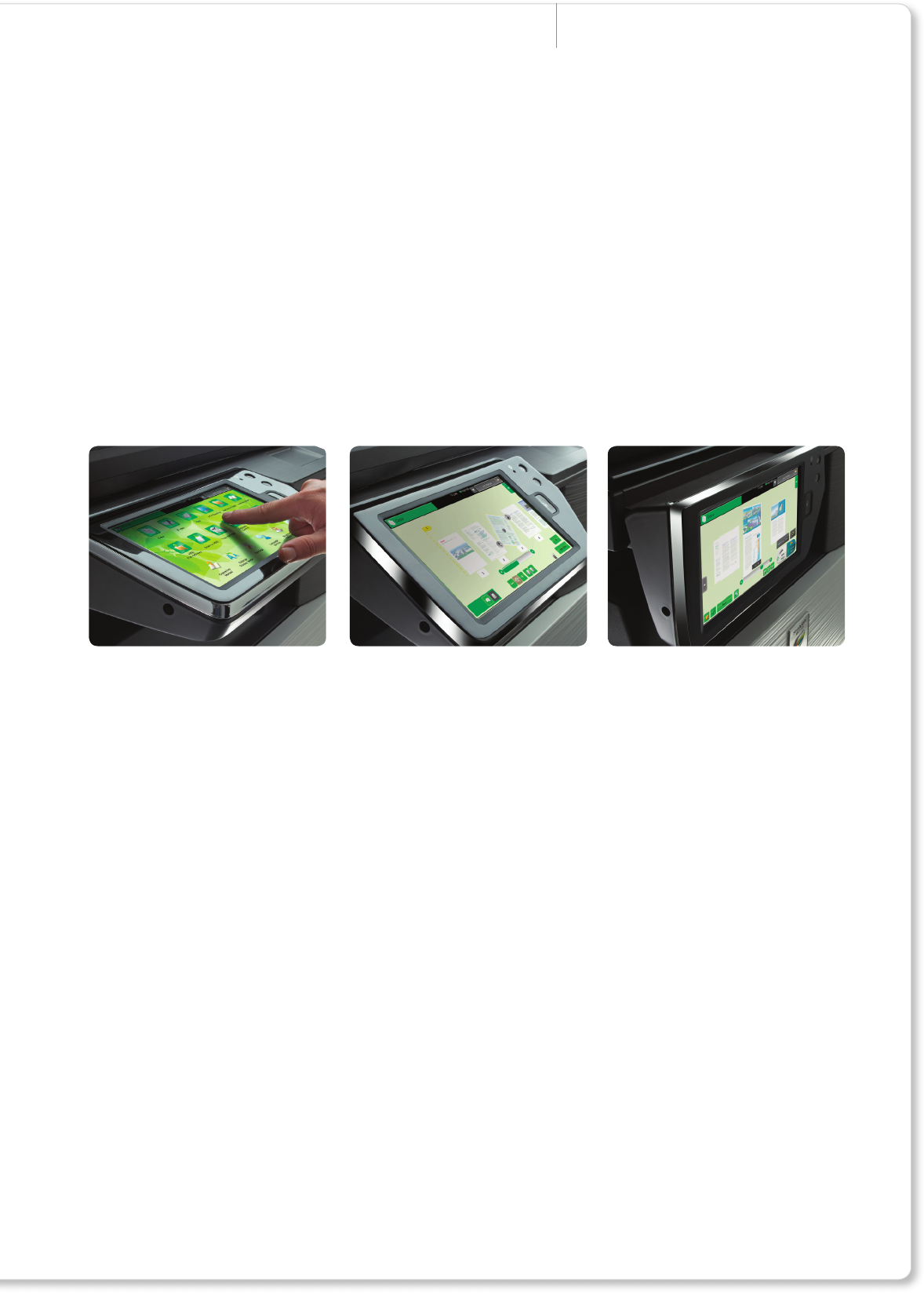
use. The 10.1” LCD control screen
has the space for less clutter and
larger, clearer text, and it can be tilted
up or down for easy viewing, even
from a wheelchair.
Scan your originals - the 100-sheet
document feeder makes double-
sided scanning quick and easy - and
use fi nger-swipe technology for total
control of your digital documents.
Preview pages in various modes -
1-Page, 3D or thumbnail - then simply
touch and slide to rotate them, change
their order, add or delete pages, and
then print, fi le or distribute just as
you need.
It’s all customisable, too. Everyone in
your team can have a personalised
home screen for faster access to
the tools and applications they use
most often, set against a choice of
7 background styles.
The MX-3610N can do so much more
than the limited printing, copying and
scanning of ordinary offi ce machines.
Add Sharp OSA
®
(Open Systems
Architecture), for example, and you
can turn your MFP into a gateway to
applications on your network.
There’s even an optional Web Browsing
Kit which gives you full internet access.
So there’s no need to return to your desk
- simply access the tools and information
you need directly from the nger-swipe
control interface. But that’s not all.
The latest version of Sharp OSA**
can reach beyond your rewall, letting
you leverage the effi ciency of Cloud
computing services which are rapidly
gaining popularity for their proven
functionality and low cost-per-user
for little or no up-front investment.
That means you can access a range
ofSoftware as a Service(SaaS)
applications, developed by Sharps
technology partners.
Tilting fi nger-swipe control panel* for easy page previews and editing
*Some positions are not available with MX-FN17 or MX-FN10 installed. ** Please check availability of Sharp OSA applications.
Seitenansicht 4
1 2 3 4 5 6 7 8 9 10 11 12

Kommentare zu diesen Handbüchern

Keine Kommentare