Sharp AR-800 Bedienungsanleitung
Stöbern Sie online oder laden Sie Bedienungsanleitung nach Multifunktionsgeräte Sharp AR-800 herunter. 2454-800 Brochure-2 Benutzerhandbuch
- Seite / 8
- Inhaltsverzeichnis
- LESEZEICHEN

Inhaltsverzeichnis
FOCUS on power
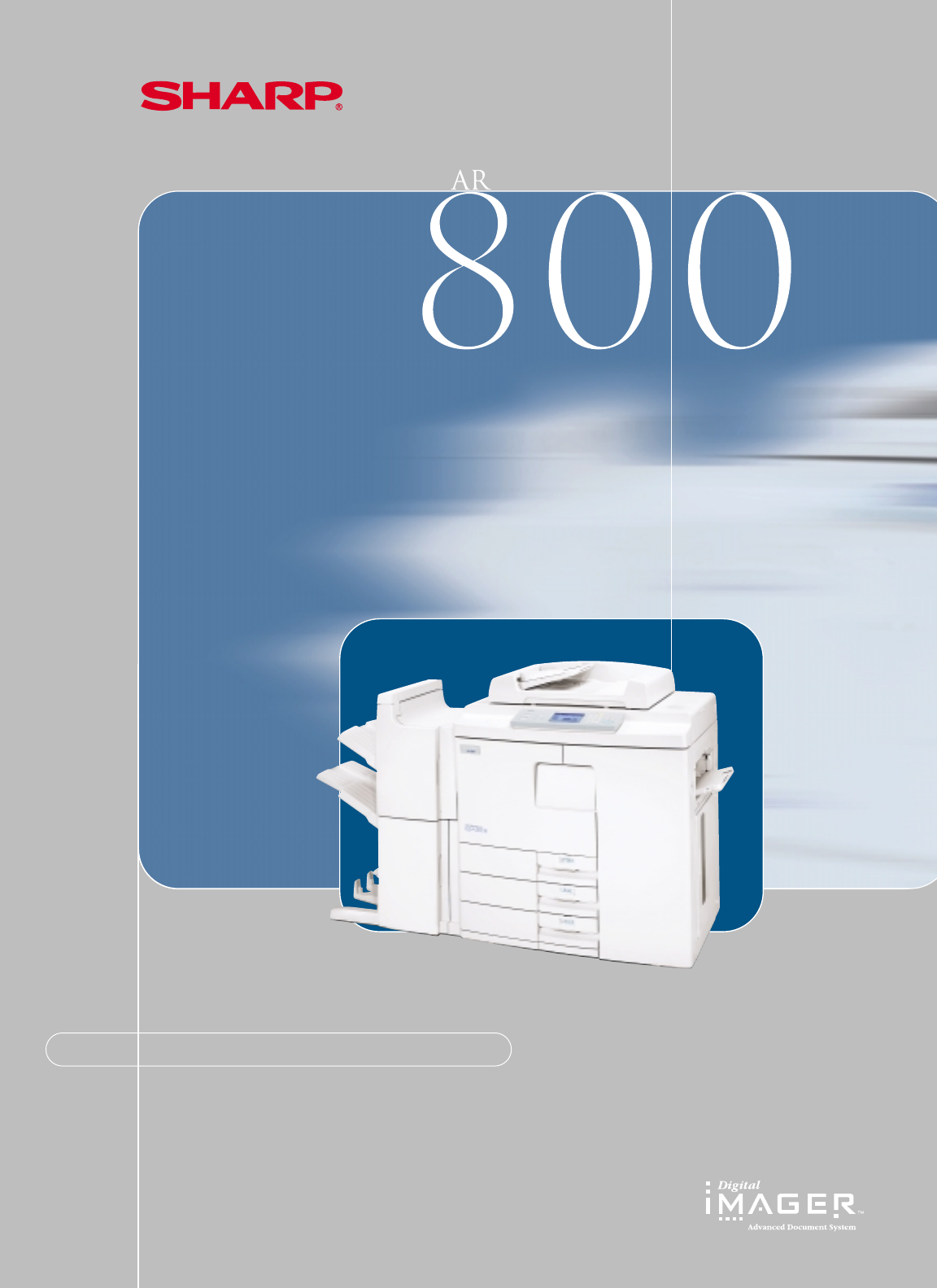
With our fast print speed, the Sharp AR-800 Imager deliversthe performance that busy offices and workgroups require.• 80 ppm Copy/Print Speed• Maxim
powerPower. Speed. Performance.You need more and more just to keep pace with today’s competitive market. That’s why Sharp introduced the new AR-800 Im
FOCUS on productivity.Designed to meet the demands of high-volume envi-ronments, the new AR-800 Imager has the power youneed to handle even the larges
FOCUS on efficiency.The AR-800 Imager offers new functionalityto meet busy departmental needs. WithAutomatic Duplexing you can make double-sided copie
print controller features • Macintosh®& UNIX®(Sun®, HP®) Client Support• Motorola®200 MHz PowerPCProcessor• PCL5eTM, PCLXL, Postscript Level II
finishersMultiple pages per sheetMake pamphlets easilyAutomated page editingPrint on both sidesAuto staplerEach job neatly separatedTwo or three hole
CPD-3457SHARP ELECTRONICS CORPORATIONNetwork Office Systems GroupSharp Plaza, Mahwah, NJ 07430-21351-800-BE-SHARP www.sharpusa.comGENERAL SPECIFICAT
Verwandte Produkte und Handbücher für Multifunktionsgeräte Sharp AR-800
 (139 Seiten)
 (48 Seiten) (161 Seiten)
(120 Seiten)
(210 Seiten)
(48 Seiten) (161 Seiten)
(120 Seiten)
(210 Seiten)
© 2020, manymanuals.de. Alle Rechte vorbehalten. | 0.030 s |
 Manymanuals.com
 Manymanuals.de
 Manymanuals.fr
 Manymanuals.it
 Manymanuals.pl
 Manymanuals.cz
 Manymanuals.es
 Manymanuals-pt.com
Kommentare zu diesen Handbüchern