Sharp CX51HF3 Spezifikationen
Stöbern Sie online oder laden Sie Spezifikationen nach Fernseher & Monitore Sharp CX51HF3 herunter. Sharp CX51HF3 Specifications Benutzerhandbuch
- Seite / 28
- Inhaltsverzeichnis
- FEHLERBEHEBUNG
- LESEZEICHEN

- OPERATION MANUAL 1
- COLOUR TELEVISION 1
- Contents 2
- Accessories 3
- Easy setup 4
- Safety precautions 5
- Part names 7
- Watching TV 9
- Operating the TV buttons 10
- is pressed at any time 11
- Silences the sound 11
- TV/Video selection 12
- Channel recall 12
- Selecting menu items 13
- Settings and adjustments 14
- 1 Press 15
- 2 Press 17
- 3 Press 20
- 6 Press 21
- Connections 23
- Troubleshooting 25
- Specifications 26
- Dimension: 176 x 250 mm 27
- FLE (M) Sdn. Bhd 27
- WARRANTY 28
Inhaltsverzeichnis
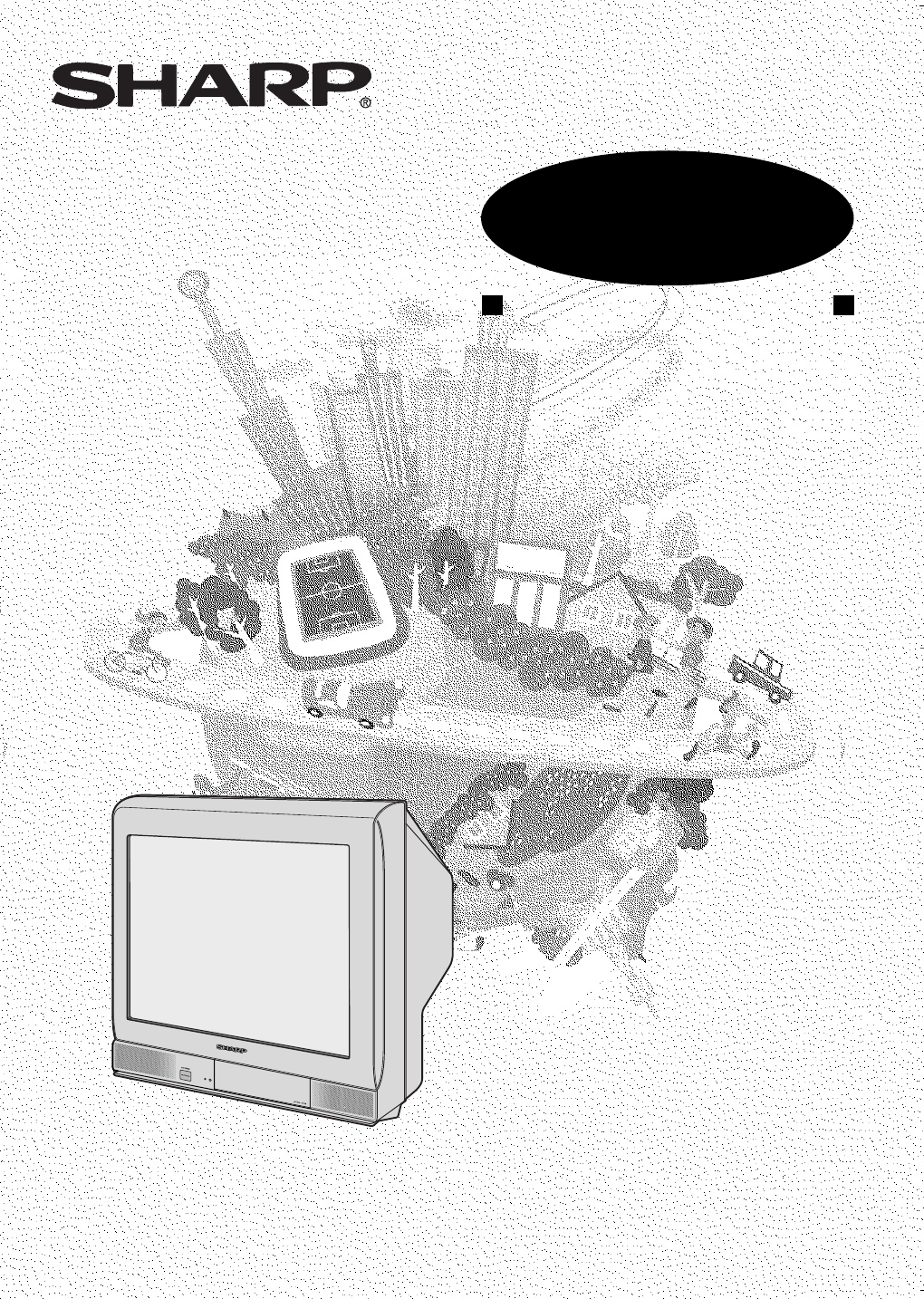
Dimension: 176 x 250 mmFLE (M) Sdn. BhdMODELOPERATION MANUALCOLOUR TELEVISIONMODELCX51HF3Please read this operation manualcarefully before using the
E 9Dimension: 176 x 250 mmFLE (M) Sdn. Bhd• Select an appropriate volume so as not to injure your hearing.• To avoid injuring your hearing, do not put
E 10Dimension: 176 x 250 mmFLE (M) Sdn. BhdChannel/Timer displayDisplays the current channel number, the timer, and othersettings on the screen.ON
E 11Dimension: 176 x 250 mmFLE (M) Sdn. BhdTV/Video selectionSwitches between TV broadcasts and AV input programmes.Each time you press the TV/VIDEO,
E 12Dimension: 176 x 250 mmFLE (M) Sdn. BhdSelecting a menu itemMENUPICTUREFEATURETIMERCH-SETTING1 Press MENU/PRESET on the TV set tocall MENU screen.
E 13Dimension: 176 x 250 mmFLE (M) Sdn. BhdSettings and adjustmentsOn-screen display language selectionThe on-screen display language can be set to En
E 14Dimension: 176 x 250 mmFLE (M) Sdn. BhdManual channel tuningEnables manual channel tuning to a desired TV station (e.g.tuning the TV to a VCR, tun
E 15Dimension: 176 x 250 mmFLE (M) Sdn. BhdSettings and adjustmentsAuto channel tuningAutomatically tunes in and presets receivable TV stations,using
E 16Dimension: 176 x 250 mmFLE (M) Sdn. BhdChannel settingEnables individual channel setting.1 Press CH-SET to callCH-SETTING screen.2 Press CH / CH t
E 17Dimension: 176 x 250 mmFLE (M) Sdn. BhdPicture adjustment1 Press PICTURE to call PICTUREscreen.2 Press CH / CH toselect adjustment items.PICTURECO
E 18Dimension: 176 x 250 mmFLE (M) Sdn. BhdAutomatically turns the screen blue if a broadcast signal isnot received.• Poor reception due to weak signa
E 1Dimension: 176 x 250 mmFLE (M) Sdn. BhdContentsPreparationAccessories ...
E 19Dimension: 176 x 250 mmFLE (M) Sdn. BhdTV/VIDEOTV0NORMALTIMERFEATURECH-SETPICTURE147258369CHCHCHCHNORMALTIMEROff timerAutomatically turns power of
E 20Dimension: 176 x 250 mmFLE (M) Sdn. BhdOn timerAutomatically turns power on after a set length of time haspassed.TIMEROFF --:--ON --:-- --:-- POSI
E 21Dimension: 176 x 250 mmFLE (M) Sdn. BhdTV/VIDEOTV0NORMALTIMERFEATURECH-SETPICTURE147258369CHCHCHCHNORMALTIMER1 Press TIMER to call TIMERscreen.2 P
E 22Dimension: 176 x 250 mmFLE (M) Sdn. BhdConnectionsStandard DIN45325 plug (IEC169-2)75-ohm coaxial cable (round cable) (not supplied)300-ohm twin-l
E 23Dimension: 176 x 250 mmFLE (M) Sdn. BhdConnecting to video equipmentEnjoy playback from a video disc player, VCR or other video equipment by conne
E24Dimension: 176 x 250 mmFLE (M) Sdn. BhdTroubleshootingThe following problems do not always indicate a hardware failure. Therefore, please usethe tr
E 25Dimension: 176 x 250 mmFLE (M) Sdn. BhdSpecifications• Design and specifications are subject to change without notice.• Receiving system: These re
E26Dimension: 176 x 250 mmFLE (M) Sdn. BhdNotesCX51HF3(24-27)EN 29/9/04, 5:23 pm26
WARRANTYConsumer Electronic ProductsCongratulations on Your Purchase!This Sharp product is warranted against faults in materials and manufacture for a
E 2Dimension: 176 x 250 mmFLE (M) Sdn. BhdDear SHARP CustomerThank you for buying SHARP's ColourTelevision. We hope you will have manyyears of en
E 3Dimension: 176 x 250 mmFLE (M) Sdn. BhdEasy setupTo use your TV set, perform the easy setup procedure below.The mark indicates the page numbers wi
E 4Dimension: 176 x 250 mmFLE (M) Sdn. BhdSafety precautionsDamageTurn off the power and unplug the power cord from the walloutlet immediately if the
E 5Dimension: 176 x 250 mmFLE (M) Sdn. BhdLiquid entryDo not place a flower vase or anything else containing liquid onthe TV set, as liquid spilt on t
E 6Dimension: 176 x 250 mmFLE (M) Sdn. BhdPart names• Be sure to match the battery j/k terminals with the j/k marks inside the compartment.• Remove th
E 7Dimension: 176 x 250 mmFLE (M) Sdn. BhdTV set• When using headphone, see 9.BotttomPower indicatorPower can be turned on by the remote control when
E 8Dimension: 176 x 250 mmFLE (M) Sdn. BhdWatching TV1 Turn on power.• When the power indicator is off, press POWER.• When the power indicator lights
Verwandte Produkte und Handbücher für Fernseher & Monitore Sharp CX51HF3
 (24 Seiten)
 (36 Seiten)
 (29 Seiten)
 (32 Seiten)
 (46 Seiten)
© 2020, manymanuals.de. Alle Rechte vorbehalten. | 0.031 s |
 Manymanuals.com
 Manymanuals.de
 Manymanuals.fr
 Manymanuals.it
 Manymanuals.pl
 Manymanuals.cz
 Manymanuals.es
 Manymanuals-pt.com
Kommentare zu diesen Handbüchern