Sharp MX-3610N Spezifikationen Seite 1
Stöbern Sie online oder laden Sie Spezifikationen nach Kopierer Sharp MX-3610N herunter. Sharp MX-3610N Specifications Benutzerhandbuch
- Seite / 28
- Inhaltsverzeichnis
- LESEZEICHEN

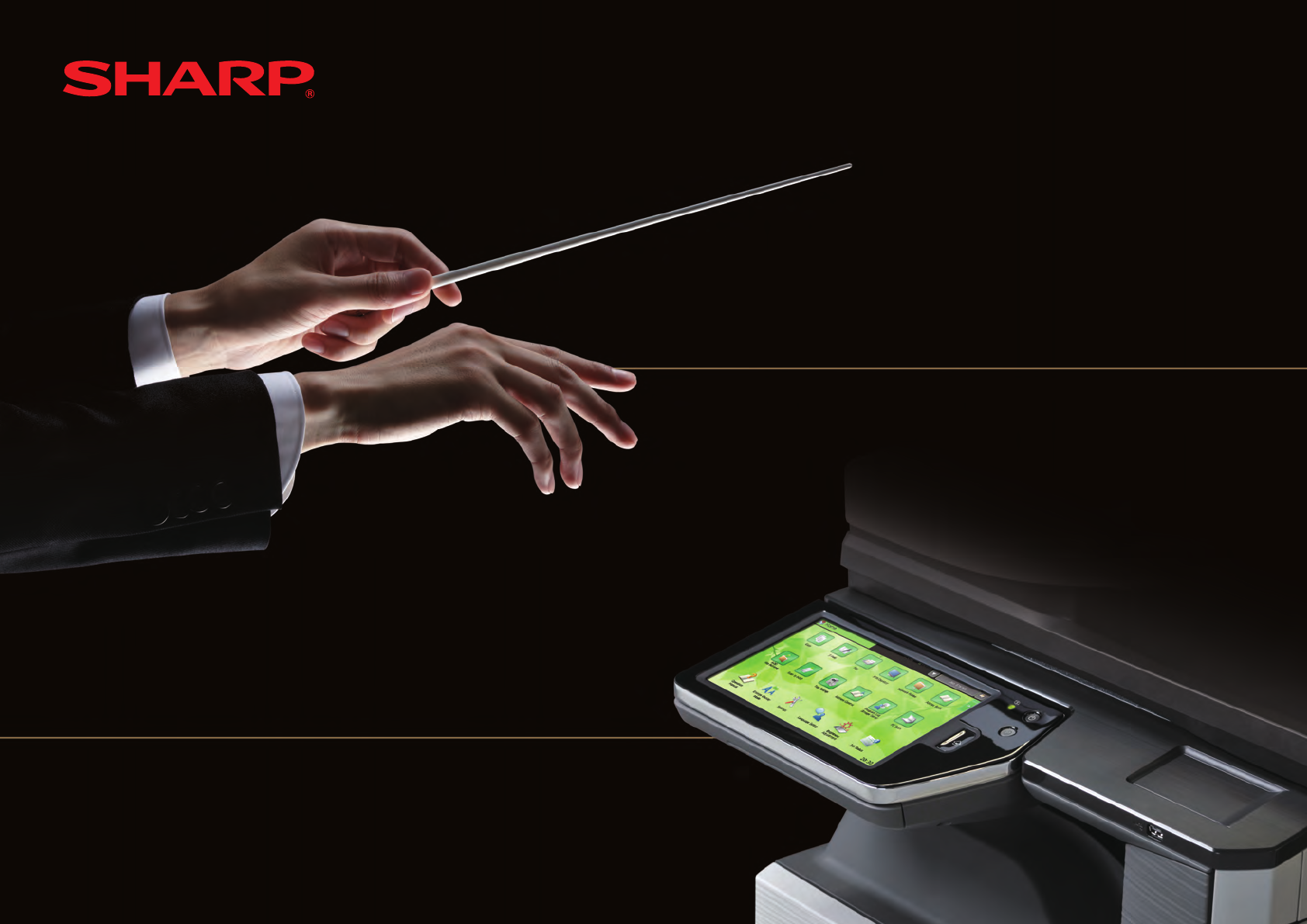
- QUICK START GUIDE 1
- Important safety instructions 2
- NOTICE FOR USERS IN CANADA 3
- NOTICE for users in the USA 3
- Caution! 4
- FOR YOUR RECORDS 4
- Notice for Users in U.S.A 4
- SOFTWARE LICENSE 5
- Contents 6
- Operation Guide (PC) 7
- Operation Guide (Built-in) 7
- Software Setup Guide (CD-PDF) 7
- CAUTIONS 10
- CAUTION 11
- Turning on the power 12
- Turning off the power 12
- Restarting the machine 12
- HOME SCREEN 13
- OVERVIEW OF COPY OPERATION 14
- Page editing, deleting, etc 15
- Face up/down, orientation 15
- OVERVIEW OF OTHER OPERATIONS 16
- MAINTENANCE 17
- SPECIFICATIONS 18
- Finisher 19
- Network Printer Specifications 21
- Fax Specifications 21
- SUPPLIES 23
- Noise emission values 24
- Settings mode password 25
- TRADEMARK ACKNOWLEDGMENTS 26
- SHARP ELECTRONICS CORPORATION 28
Inhaltsverzeichnis
QUICK START GUIDEDIGITAL FULL COLOR MULTIFUNCTIONAL SYSTEMMX-2610N/MX-3110N/MX-3610NKeep this manual close at hand for reference whenever needed.
10CAUTIONSDo not throw a toner cartridge into a fire.Toner may fly and cause burns.About consumables CAUTIONStore a toner cartridge out of the reach of
11Do not look directly at the light source.Doing so may damage your eyes.Do not block the ventilation ports on the machine. Do not install the machine
12NAMES OF PARTS AND COMPONENTS, TURNING ON THE POWERThis machine has a main power switch, found at the bottom left after the front cover is opened, a
13Double-tapLightly strike the touch panel two times. Used to change the preview display mode, or enlarge the preview image.FlickFlick (quickly swipe
14OVERVIEW OF COPY OPERATIONStep 1Select a functionStep 2Place the originalSelect the Copy icon.TapPlace the original on the document glassSelect the
15DragOutput settingsPrintEditingConfirmationScan the originalDocument filingConfirm the results of the scan and any edits or settings. Enter the number
16TransmissionStoringFor functions other than copy.OVERVIEW OF OTHER OPERATIONSStep 1Select a functionStep 5Step 2Place the originalStep 3ScanStep 4Co
17Do not dispose of used toner cartridges. Place them in a plastic bag and keep them. The technician will collect the used toner cartridges when perfo
18Basic Specifications / Copier specificationsNameMX-2610N/MX-3110N/MX-3610NTypeDesktopColorFull colorCopier systemLaser electrostatic copierScanning re
19Automatic document feeder (Standard equipment)NameReversing Single Pass Feeder (RSPF)Document feeder typesReversing Single Pass Feeder (RSPF)Origina
2For the users of the fax functionABOUT THE TELEPHONE CONSUMER PROTECTION ACT OF 1991The Telephone Consumer Protection Act of 1991 makes it unlawful f
20Punch module (for saddle finisher) NamePunch moduleMX-PNX5BPaper size for punch module11" × 17" (A3) to 7-1/4" × 10-1/2"R (A4)Hol
21TypeBuilt-in typeContinuous print speedSame as continuous copy speedResolutionData processing: 600 × 600 dpi, 1,200 × 1,200 dpiPrint: 600 × 600 dpi,
22SPECIFICATIONSNetwork Scanner SpecificationsTypeColor scannerScan resolution (main × vertical)100 × 100 dpi, 150 × 150 dpi, 200 × 200 dpi, 300 × 300
23SUPPLIESStandard supplies for this product that can be replaced by the user include paper, toner cartridges, and staple cartridges for the finisher.B
24OTHERSNoise emission valuesSound power level LWAdMX-2610N MX-3110N MX-3610NPrinting mode (continuous printing)7.3 B 7.6 B 7.5 BStandby mode - - -Sou
25Forwarding all transmitted and received data to the administrator (document administration function)This function is used to forward all data transm
26The following trademarks and registered trademarks are used in conjunction with the machine and its peripheral devices and accessories.Microsoft•®,
MX-2610N/MX-3110N/MX-3610NSHARP ELECTRONICS CORPORATION1 Sharp Plaza, Mahwah, New Jersey 07495-1163.www.sharpusa.comSHARP ELECTRONICS OF CANADA LTD. 3
3This equipment connects to the telephone network through a standard USOC RJ-11C network interface jack.If your home has specially wired alarm equipme
4Each instruction also covers the optional units used with these products.Caution!For complete electrical disconnection, pull out the main plug.The so
5This machine contains the software having modules developed by Independent JPEG Group.This product includes Adobe® Flash® technology of Adobe Systems
Contents6OPERATION MANUALS AND HOW TO USE THEM ————————— 7CAUTIONS ——————————————————————————— 8Symbols in this manual ———————————————————————
7OPERATION MANUALS AND HOW TO USE THEM3 Download the [Operation Guide (PC)]Click [Download Operation Guide] on the displayed page. Next, select the d
8When moving the machine, switch off the main power and remove the power plug from the outlet before moving.The cord may be damaged, creating a risk o
9Do not install the machine on an unstable or slanted surface. Install the machine on a surface that can withstand the weight of the machine.Risk of i
Verwandte Produkte und Handbücher für Kopierer Sharp MX-3610N
 (91 Seiten)
(84 Seiten)
(120 Seiten)
(56 Seiten)
(160 Seiten)
(88 Seiten)
(8 Seiten)
(24 Seiten)
(28 Seiten)
(132 Seiten)
(178 Seiten)
(113 Seiten)
(108 Seiten)
(91 Seiten)
(84 Seiten)
(120 Seiten)
(56 Seiten)
(160 Seiten)
(88 Seiten)
(8 Seiten)
(24 Seiten)
(28 Seiten)
(132 Seiten)
(178 Seiten)
(113 Seiten)
(108 Seiten)
 (66 Seiten)
(84 Seiten)
(12 Seiten)
(12 Seiten)
(12 Seiten)
(272 Seiten)
(19 Seiten)
(66 Seiten)
(84 Seiten)
(12 Seiten)
(12 Seiten)
(12 Seiten)
(272 Seiten)
(19 Seiten)
© 2020, manymanuals.de. Alle Rechte vorbehalten. | 0.049 s |
 Manymanuals.com
 Manymanuals.de
 Manymanuals.fr
 Manymanuals.it
 Manymanuals.pl
 Manymanuals.cz
 Manymanuals.es
 Manymanuals-pt.com
Kommentare zu diesen Handbüchern