Sharp MX-M503U Spezifikationen Seite 30
- Seite / 72
- Inhaltsverzeichnis
- FEHLERBEHEBUNG
- LESEZEICHEN

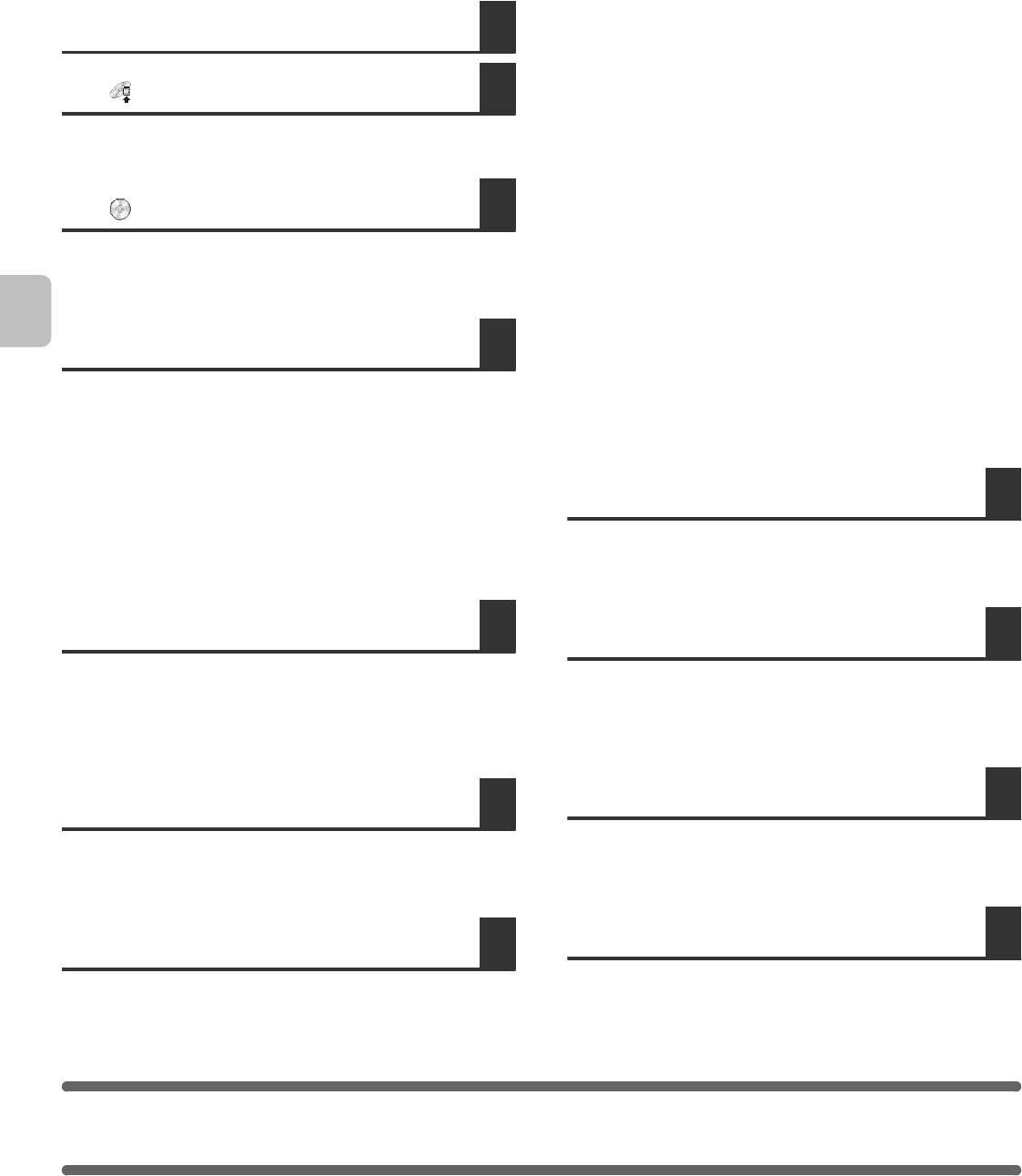
- Safety Guide 1
- Notice for users in the UK 2
- Contents 4
- CAUTIONS 5
- CLASS 1 LASER PRODUCT 7
- LASER KLASSE 1 7
- LUOKAN 1 LASERLAITE 7
- KLASS 1 LASERAPPARAT 7
- INSTALLATION REQUIREMENTS 8
- GENUINE SUPPLIES 9
- SPECIFICATIONS 10
- Continuous copying speeds* 12
- Ambient environment 12
- A (actual measurement) 13
- Finisher specifications 16
- Printer specifications* 20
- / Internet Fax* 21
- specifications 21
- Network scanner* 21
- Facsimile specifications 22
- INFORMATION ON DISPOSAL 23
- Factory default passwords 26
- Trademark acknowledgments 27
- REMOVING THE SOFTWARE 30
- WHEN INSTALLATION WAS NOT 33
- SUCCESSFUL 33
- TROUBLESHOOTING 33
- MAC OS 9.0 - 9.2.2 35
- Display printer information 37
- Configure the printer driver 38
- MAC OS X 39
- SETUP IN A MACINTOSH 40
- ENVIRONMENT 40
- Click the [Finish] button 41
- (1) Select [LPR] 42
- (2) Enter [lp] 42
- (3) Click the [OK] button 42
- (4) Click the [OK] button 43
- CHANGING THE PORT 44
- (2) Click the [OK] button 48
- (2) Select [Properties] 49
- DRIVER (Windows 98/Me/NT 4.0) 50
- (2) Click the [Next] button 51
- ☞ CHANGING THE PORT (page 27) 52
- USB CABLE 55
- [Next] button 56
- PC-FAX DRIVER 62
- SETUP IN A WINDOWS 63
- CONNECTING THE MACHINE 64
- CONNECTING TO A NETWORK 64
- (Windows) 64
- SOFTWARE REQUIREMENTS 65
- VERIFYING SYSTEM REQUIREMENTS 66
- SYSTEM REQUIREMENTS 66
- OTHER CD-ROMS 67
- • PC-Fax driver 68
- • PPD file 68
- BEFORE INSTALLING THE 69
- SOFTWARE 69
- TABLE OF CONTENTS 70
- SOFTWARE LICENSE 71
- Software Setup Guide 72
Verwandte Produkte und Handbücher für Kopierer Sharp MX-M503U
 (125 Seiten)
 (8 Seiten)
(29 Seiten)
(12 Seiten)
(6 Seiten)
(172 Seiten)
(32 Seiten)
 (100 Seiten)
(40 Seiten)
(28 Seiten)
(8 Seiten)
(46 Seiten)
(148 Seiten)
(173 Seiten)
 (102 Seiten)
(12 Seiten)
(30 Seiten)
DeWalt DW101 Handbücher
Bedienungsanleitungen und Benutzerhandbücher für Elektrowerkzeuge DeWalt DW101.
Wir stellen 1 PDF-Handbücher DeWalt DW101 zum kostenlosen herunterladen nach Dokumenttypen zur Verfügung Bedienerhandbuch
Inhaltsverzeichnis
Weitere Produkte und Handbücher für Elektrowerkzeuge DeWalt
| Modelle | Dokumententyp |
|---|---|
| DW744 |
Bedienerhandbuch
 DeWalt DW744 Instruction Manual,
35 Seiten |
| DW331 |
Bedienerhandbuch
DeWalt DW331 Instruction Manual,
6 Seiten
|
| DW705 |
Bedienungsanleitung
DeWalt DW705 User's Manual,
52 Seiten
|
| D26411 |
Bedienerhandbuch
 DeWalt D26411 Instruction Manual,
32 Seiten |
| DWM120 |
Bedienungsanleitung
DeWalt DWM120 User's Manual,
7 Seiten
|
| DW321 |
Bedienerhandbuch
DeWalt DW321 Instruction Manual,
5 Seiten
|
| DW130V |
Bedienungsanleitung
DeWalt DW130V User's Manual,
5 Seiten
|
| D21002 |
Bedienerhandbuch
DeWalt D21002 Instruction Manual,
7 Seiten
|
| DWD024 |
Bedienerhandbuch
DeWalt DWD024 Instruction Manual,
32 Seiten
|
| DWP611 |
Bedienungsanleitung
DeWalt DWP611 User's Manual,
7 Seiten
|
| 616974-00 |
Bedienerhandbuch
DeWalt 616974-00 Instruction Manual,
4 Seiten
|
| DW308M |
Bedienungsanleitung
DeWalt DW308M User's Manual,
4 Seiten
|
| DW511 |
Bedienerhandbuch
DeWalt DW511 Instruction Manual,
5 Seiten
|
| D24000 |
Bedienerhandbuch
DeWalt D24000 Instruction Manual,
42 Seiten
|
| 36-714 |
Bedienerhandbuch
DeWalt 36-714 Instruction Manual,
80 Seiten
|
| a22946 |
Bedienerhandbuch
DeWalt a22946 Instruction Manual,
6 Seiten
|
| D28710 |
Bedienerhandbuch
DeWalt D28710 Instruction manual,
44 Seiten
|
| DCH213 |
Bedienerhandbuch
DeWalt DCH213 Instruction manual,
53 Seiten
|
| DW680 |
Bedienerhandbuch
DeWalt DW680 Instruction manual,
7 Seiten
|
| DWE315 |
Wartungshandbuch
DeWalt DWE315 Technical data,
15 Seiten
|
© 2020, manymanuals.de. Alle Rechte vorbehalten. | 0.039 s |
 Manymanuals.com
 Manymanuals.de
 Manymanuals.fr
 Manymanuals.it
 Manymanuals.pl
 Manymanuals.cz
 Manymanuals.es
 Manymanuals-pt.com
Kommentare zu diesen Handbüchern